


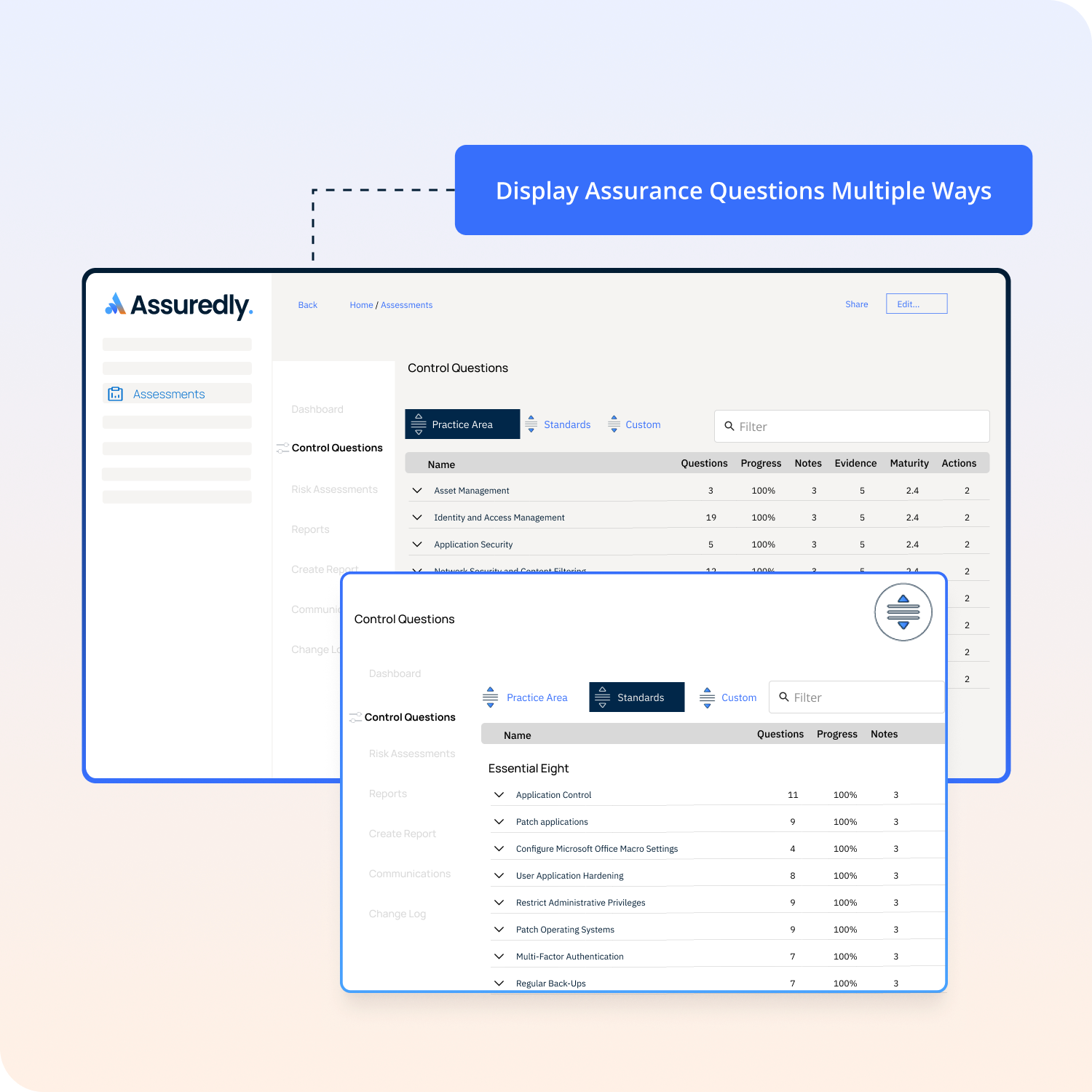
This is the default order and orders the questions in a logical way by Assuredly's unique Practice Areas. No matter how many standards or frameworks you are assessing the business against questions will always be grouped here in a logical way. The benefit of this is so that when you thinking about access controls as an example you will be presented with all related questions to do with access control.
.png)
By selecting Standards the questions will be ordered under the Categories set out by the standard or frameworks included in your assessment scope. For example if 27001 is included then questions will be ordered in the 27001 Categories such as 1) Context Of The Organization etc.
.png)
By selecting Custom you can chose how to order the questions by selecting the icon to the left of each question and dragging a question up and down. This will reorder the questions in this view and save you settings for later


