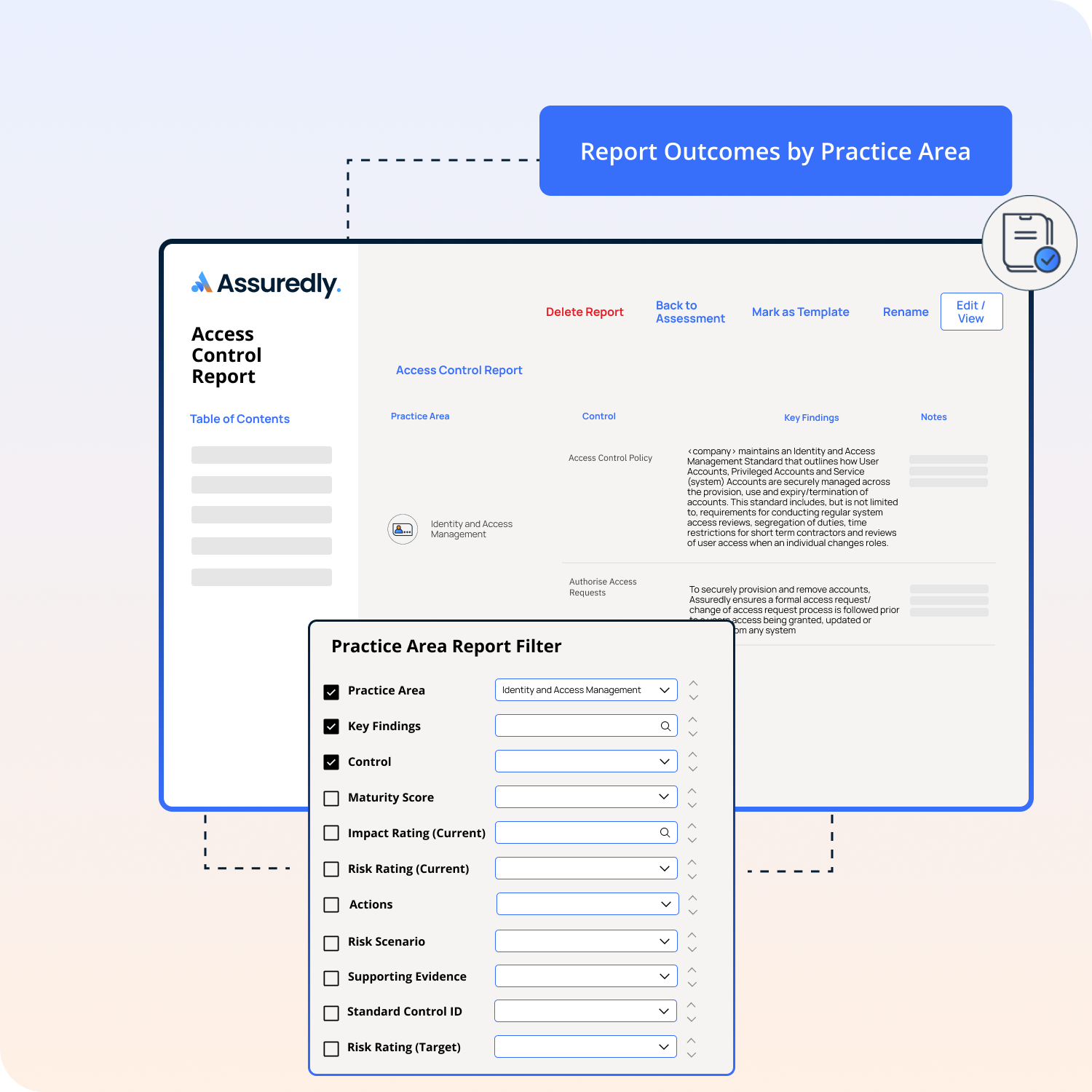
Assuredly allows you to report the outcomes of your control assessments by Practice Area.
This is useful when you want to demonstrate how your organisation manages specific topics such as Access Control, Supply Chain Management, Asset Management, or any other security domain.
Follow the steps below to create a clear, structured report focused on a selected Practice Area.
1. Create a New Report
Navigate to the Reports section of Assuredly or within an Assessment..
Select Create Report.
Give your report a meaningful title (e.g., Access Control Assessment Summary).
2. Add a Section to Your Report
Click Add Section.
From the section type options, choose Practice Areas.
3. Add an Item to the Practice Area Section
Within your new section, select Add Item.
Choose your preferred format:
Table – to display detailed assessment findings
Text – to provide your own written summaries or explanations
Dashboard – to display the overall results of all practie areas for the assessment.
4. Filter the Table to a Specific Practice Area
If you selected Table, you can narrow the results to the exact Practice Area you want to report on.
Using the Table Filter options.
Select the Practice Area filter.
Choose the Practice Area you want to display (e.g., Access Control).
The table will update to show only the relevant findings.